The Problem We Kept Hearing About
When we launched Beaver AI for video meetings, the most common feature request surprised us. It was not "add more integrations" or "support more languages." It was: "Can this work in a room?"
Teams were returning to offices. Hybrid was becoming the norm. And every team we spoke to had the same complaint: their video meeting AI was excellent, but the moment they walked into a conference room, they lost all of it.
What Existed Was Not Good Enough
We looked at the options available for in-person meetings. They fell into two camps:
- Recording apps that captured audio on a phone or dedicated device — creating exactly the kind of audio files we had built Beaver to avoid
- Smart speakers and conference hardware that cost thousands and required IT setup, vendor lock-in, and permanent microphones in every room
Neither approach matched what teams actually wanted: something lightweight, private, and smart.
The Design Principles Behind Magic Whiteboard
We started with three non-negotiable principles:
1. No audio files, ever. The same ephemeral audio approach we use for video meetings applies in person. Speech is processed into text in real time. No audio is recorded, stored, or transmitted.
2. No hardware required. Magic Whiteboard runs in a standard web browser. Any laptop, tablet, or conference room display can host a session. No apps, no downloads, no IT ticket.
3. Active, not passive. We did not want a tool that silently records while everyone ignores it. Magic Whiteboard is designed to be part of the meeting — a shared screen that everyone in the room can see and interact with.
What It Does
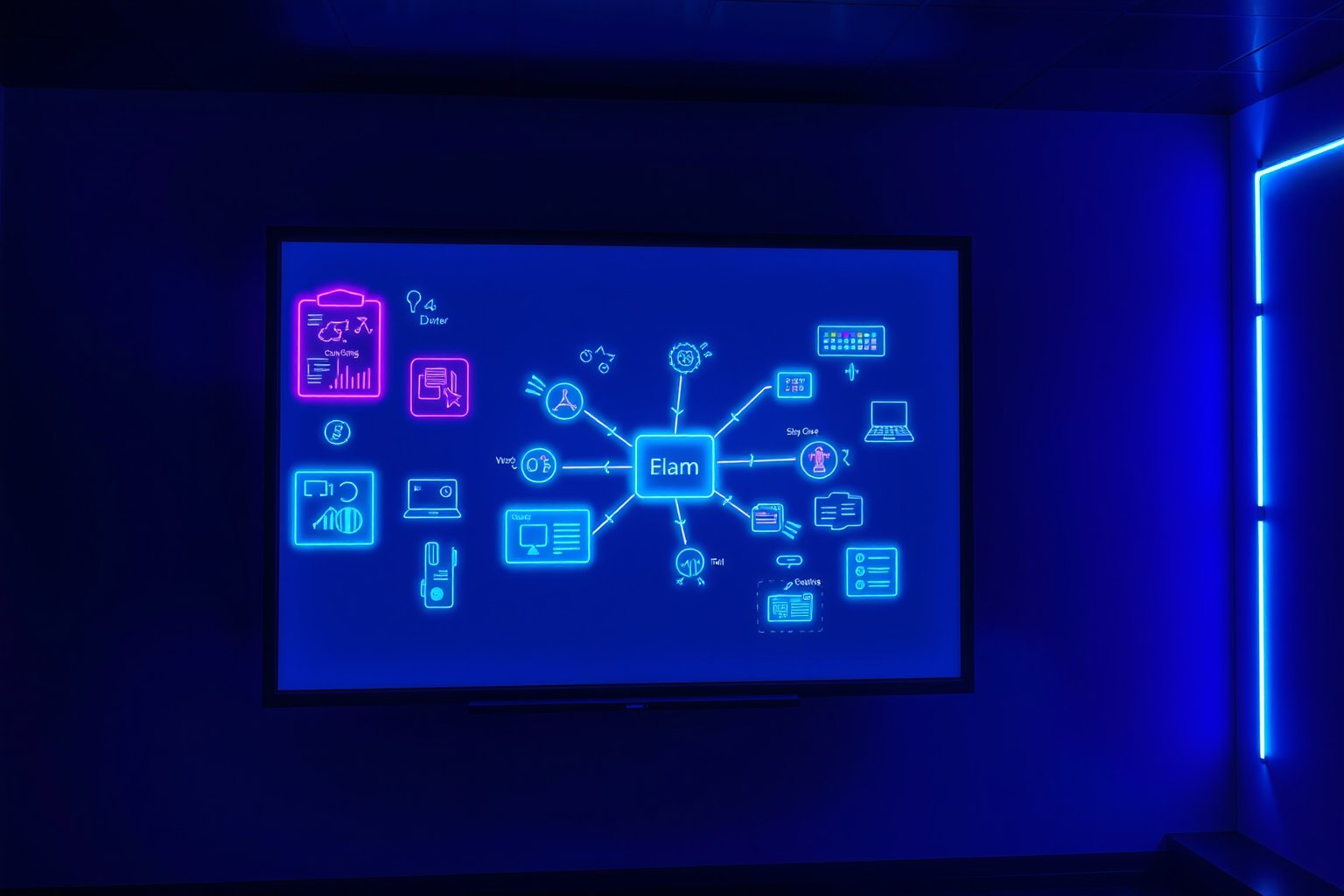
A host opens Magic Whiteboard and shares the screen or display. As the meeting progresses:
- Text transcripts appear in real time so everyone can verify accuracy
- Participants can pin key moments — decisions, commitments, or ideas worth revisiting
- Agenda items can be added, voted on, and tracked collaboratively
- When the meeting ends, the AI generates a structured summary with extracted action items, decisions, and commitments
The result is that in-person meetings get the same intelligence as video calls — without any of the privacy trade-offs.
What We Learned After Launch
The use cases that took off fastest were ones we had not fully anticipated. Healthcare teams adopted Magic Whiteboard for clinical consultations where audio recording is a compliance minefield. Legal teams used it for privileged discussions. Schools and universities used it for staff meetings where recording policies are strict.
The common thread: these were all settings where people needed documentation but could not — or would not — accept audio recording.
Try It Yourself
Magic Whiteboard is available on all Beaver AI plans. Open it in your browser, invite your team, and run your next in-person meeting with AI — no recording required. Start free.