The Problem With Manual Setup
Most AI meeting tools require you to do something before each meeting — paste a link, invite a bot, start a recording. It works when you remember. It fails when you are rushing between back-to-back meetings, which is exactly when you need the tool most.
Calendar integration eliminates the manual step. Connect once, and every meeting on your calendar is automatically covered.
How It Works
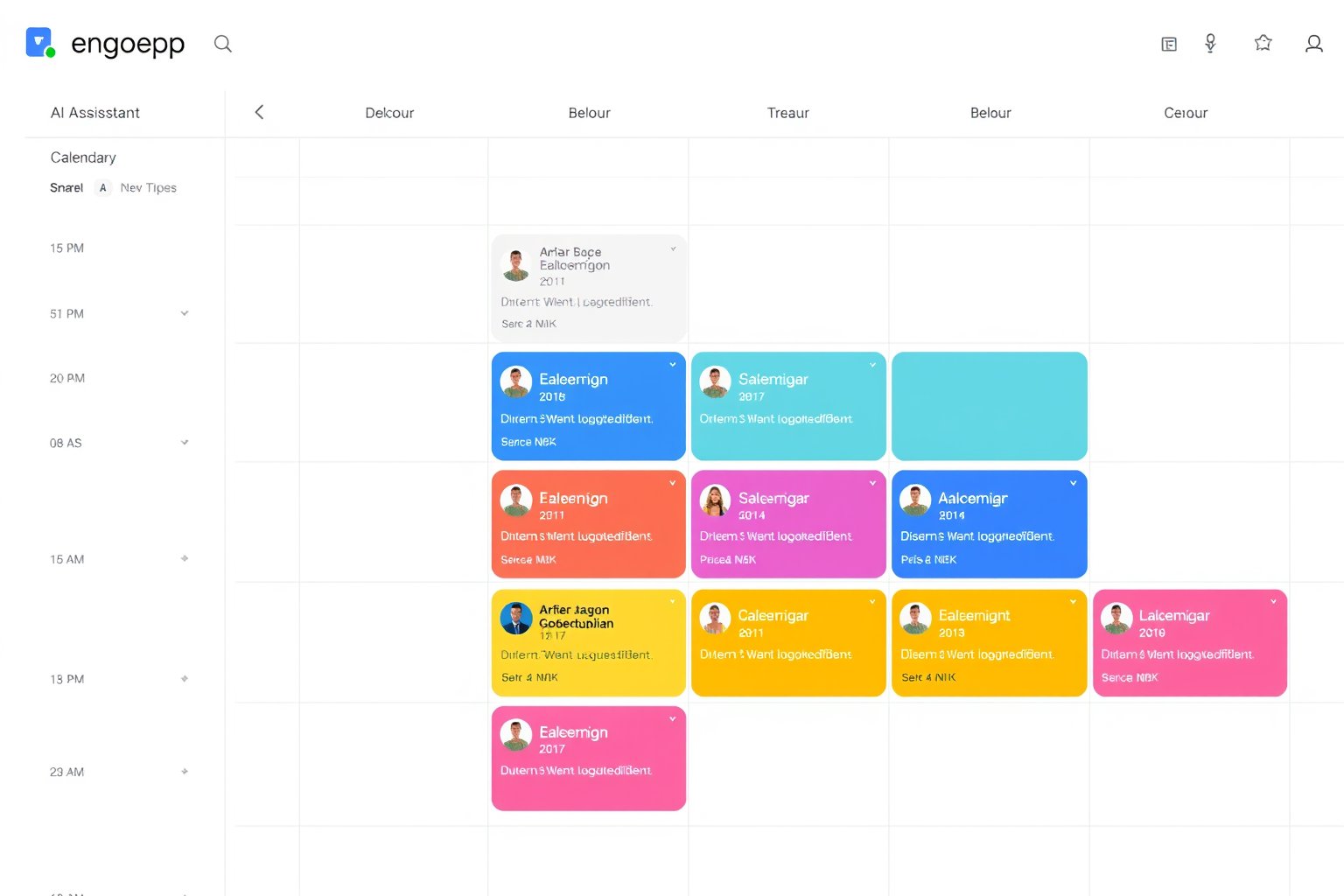
Connect your Google Calendar to Beaver AI through a standard OAuth flow. Once connected, Beaver AI can see your upcoming meetings and automatically join them — no manual action required for each meeting.
You control the behaviour:
- Auto-join all: Every meeting on your calendar is automatically covered
- Disabled: You manually choose which meetings to cover
What Happens Automatically
When auto-join is enabled:
- Beaver AI checks your calendar for upcoming meetings
- Before the meeting starts, it prepares to join
- During the meeting, text transcripts are generated
- After the meeting, an AI summary with action items is created
- Pre-meeting briefings are sent before future meetings with the same group
You do not need to think about it. Every meeting gets documented.
Pre-Meeting Briefings
The calendar integration also powers pre-meeting briefings. 25–35 minutes before a scheduled meeting, you receive an email with context from previous meetings with the same attendees. Open action items, unresolved topics, and key decisions are summarised so you walk in prepared.
Privacy Controls
Calendar integration reads your calendar to know when meetings are scheduled. It does not modify your calendar, read email content, or access other Google services. You can disconnect at any time, and calendar data is not stored beyond what is needed to schedule joins.
Connect Your Calendar
Google Calendar integration is available on all Beaver AI plans. Start a free trial, connect your calendar, and never manually start a meeting transcript again.